Copy
Copy a link, address, short note, command, or any other text on your Mac.
Built for macOS
Turn clipboard text and links into a crisp QR code with one shortcut. No uploads, no accounts, and no companion app.
Requires macOS 13 or later · Initial release coming to the Mac App Store
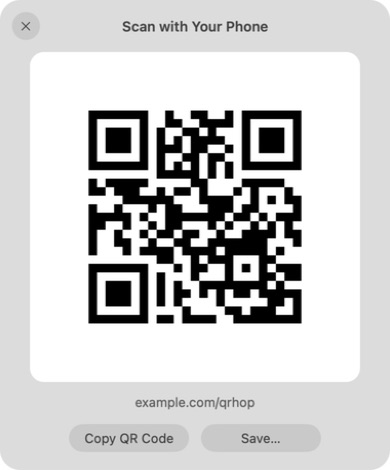

One quiet workflow
No pairing, shared network, message to yourself, or phone-side installation.
Copy a link, address, short note, command, or any other text on your Mac.
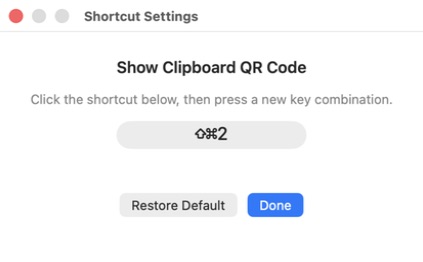
Press the default ⇧⌘2 shortcut, or choose a combination that fits your workflow.
Point any phone camera at the clear QR code. That’s it.
Made for the moment
Keyboard first
QRHop lives quietly in your menu bar. Use the default shortcut or record your own, with built-in checks for unsafe and conflicting combinations.
Reliable scanning
Every QR code is rendered sharply with a standard quiet zone. Copy the image, save it as a PNG, or simply close the panel when you’re finished.
A true menu bar utility
No Dock icon and no conventional main window. Open QRHop from the menu bar, then close the panel with Esc, the close button, the shortcut, or a click outside.
Local by design
QRHop processes clipboard content locally and turns it into a QR code in memory. Nothing is uploaded to us.
Read the Privacy PolicyComing soon
QRHop is being prepared for its first Mac App Store release.
Ask about the release